didrocks
20 January 2017
We are really proud to announce that Tutorials Ubuntu went live this week!
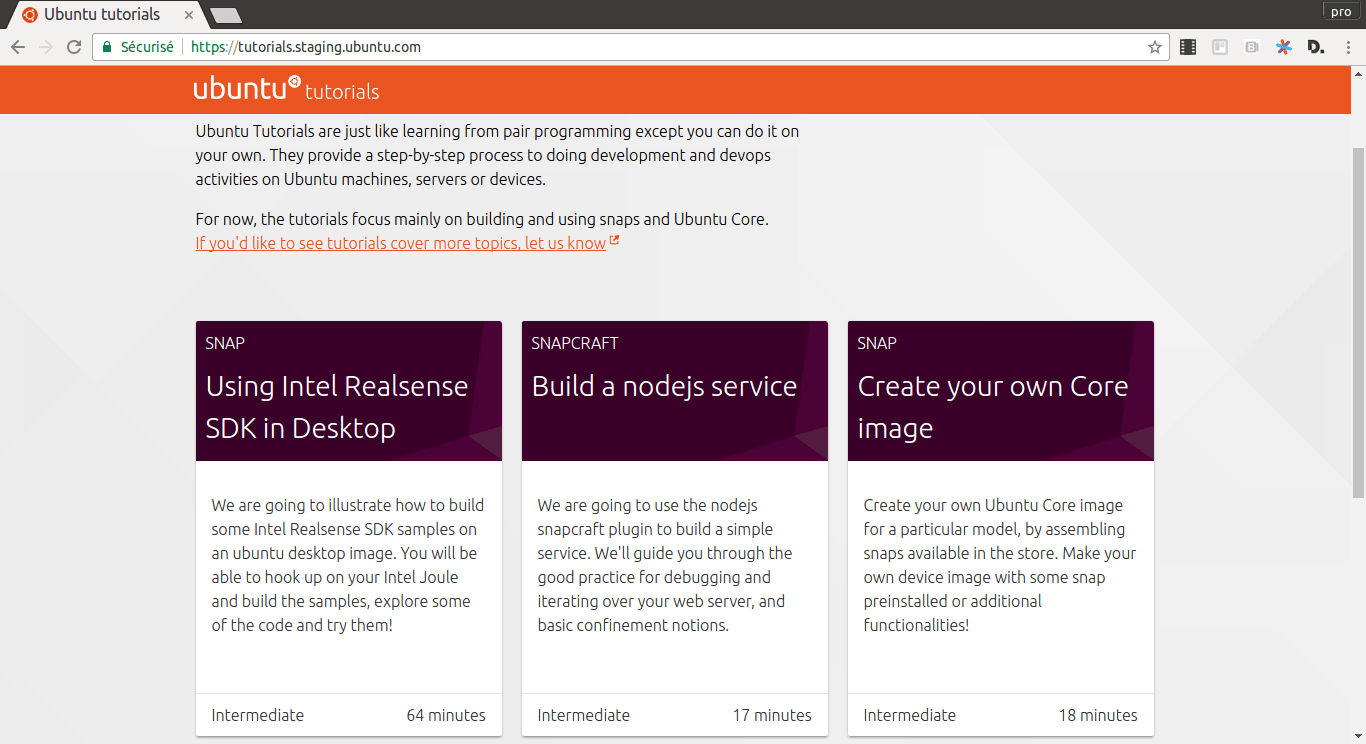
What are ubuntu tutorials?
Ubuntu tutorials are a topic-specific walkthroughs, giving you a very practical experience on a particular domain. They are just like learning from pair programming except you can do it on your own! They provide a step-by-step process to doing development and devops activities on Ubuntu machines, servers or devices.
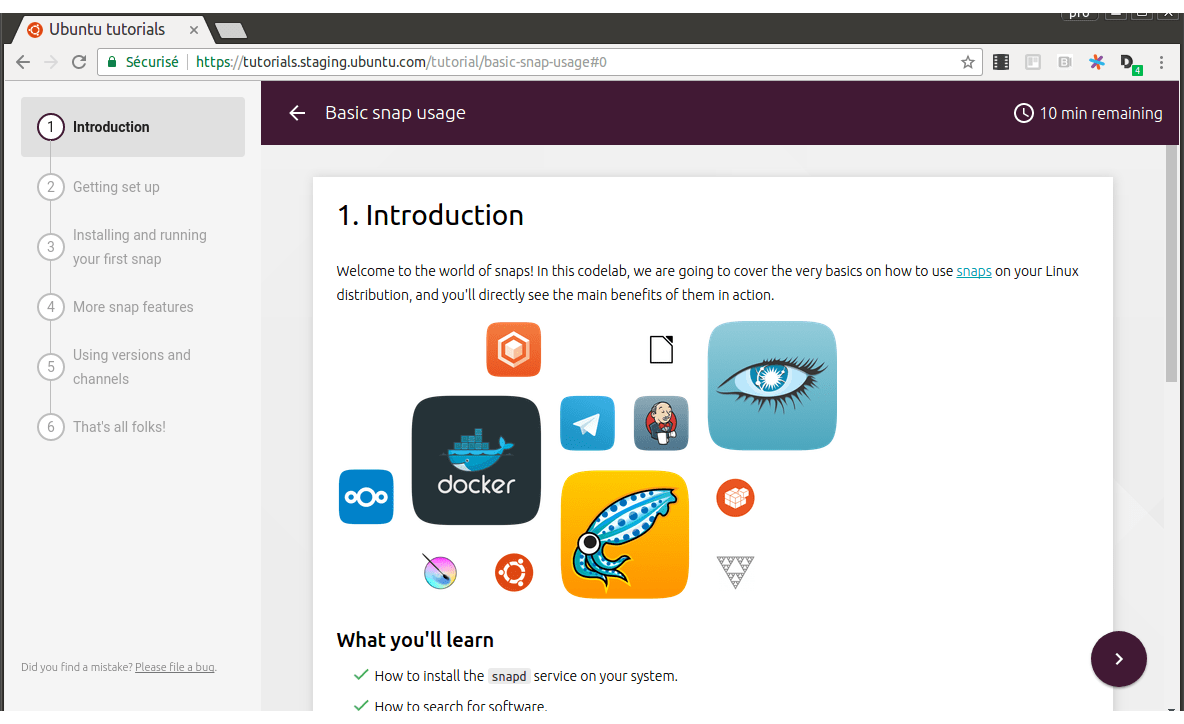
Each tutorial has:
- A clear and detailed summary of what you will learn in this tutorial
- The content difficulty level: you will know where to start from!
- An estimated completion time for each step and the whole tutorial, so that you plan precisely depending on your availability.
- A “where to go from there” final step, guiding you to the next logical places to get more information about that particular subject, or the next tutorial you can follow now that you have learned those notions.
For now, the tutorials focus mainly on building and using snaps and Ubuntu Core. If you’d like to see tutorials cover more topics, or if you’re interested in contributing tutorials, let us know.
A snap for all tutorials!
And that’s not all! You can as well work offline if you desire and always take your tutorials with you! Using the snap technology, we built a tutorial snap including the same content and the same technology as the one you can find on the website (that’s the beauty of snaps!)
To get access to it, on any snap system like Ubuntu desktop 16.04 LTS, just type:
$ snap install snap-codelabsOpen your browser at http://localhost:8123/ and enjoy!
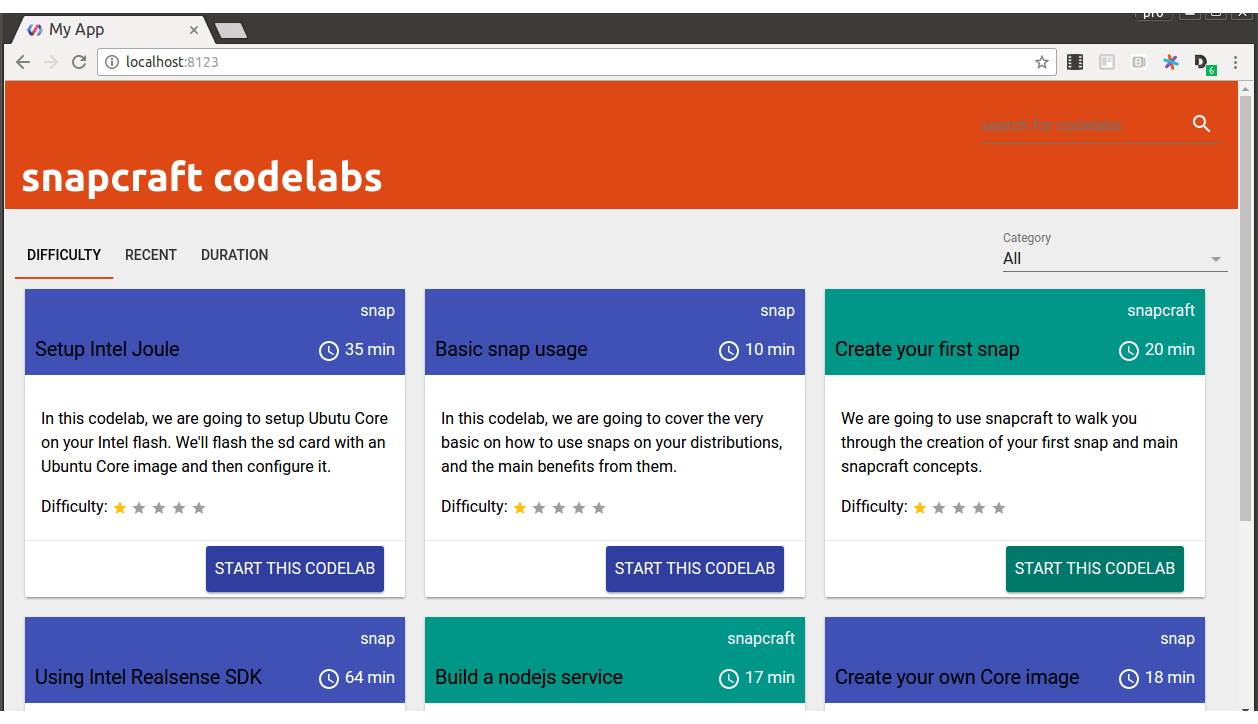
Note that its name and design will soon change to align more with tutorials.ubuntu.com.
You can contribute too!
If you plan to help us contributing and creating a new ubuntu tutorial, it’s pretty simple! The backend is based on a simple google doc with a straightforward syntax. If you’d like to write your own tutorial here are some Guidelines you can follow that will help you with the tone of voice, content and much more. Let us know what you have done!
You will note that we based our content on Google Codelab framework that they have open sourced. A big up to them!
We hope you’ll like playing and learning those new concepts in a fun and interactive way! See you soon during your next tutorial.