
Your submission was sent successfully! Close

Thank you for signing up for our newsletter!
In these regular emails you will find the latest updates from Canonical and upcoming events where you can meet our team.Close

Thank you for contacting us. A member of our team will be in touch shortly. Close

An error occurred while submitting your form. Please try again or file a bug report. Close

  1. Blog
  2. Article

David Callé
on 30 January 2018


Chromebooks have gained popularity as relatively inexpensive web-centric laptops. They give access to web-based and native applications through the Chrome store, but what if you want to do more with them?

Installing Ubuntu on a Chromebook gives you more choice and lets you turn a web-centric machine into any other laptop: you can install an IDE to write code, you can install Steam to play games, and of course, it gives you the freedom of the command-line and the wealth of the Ubuntu archive at your finger tips.
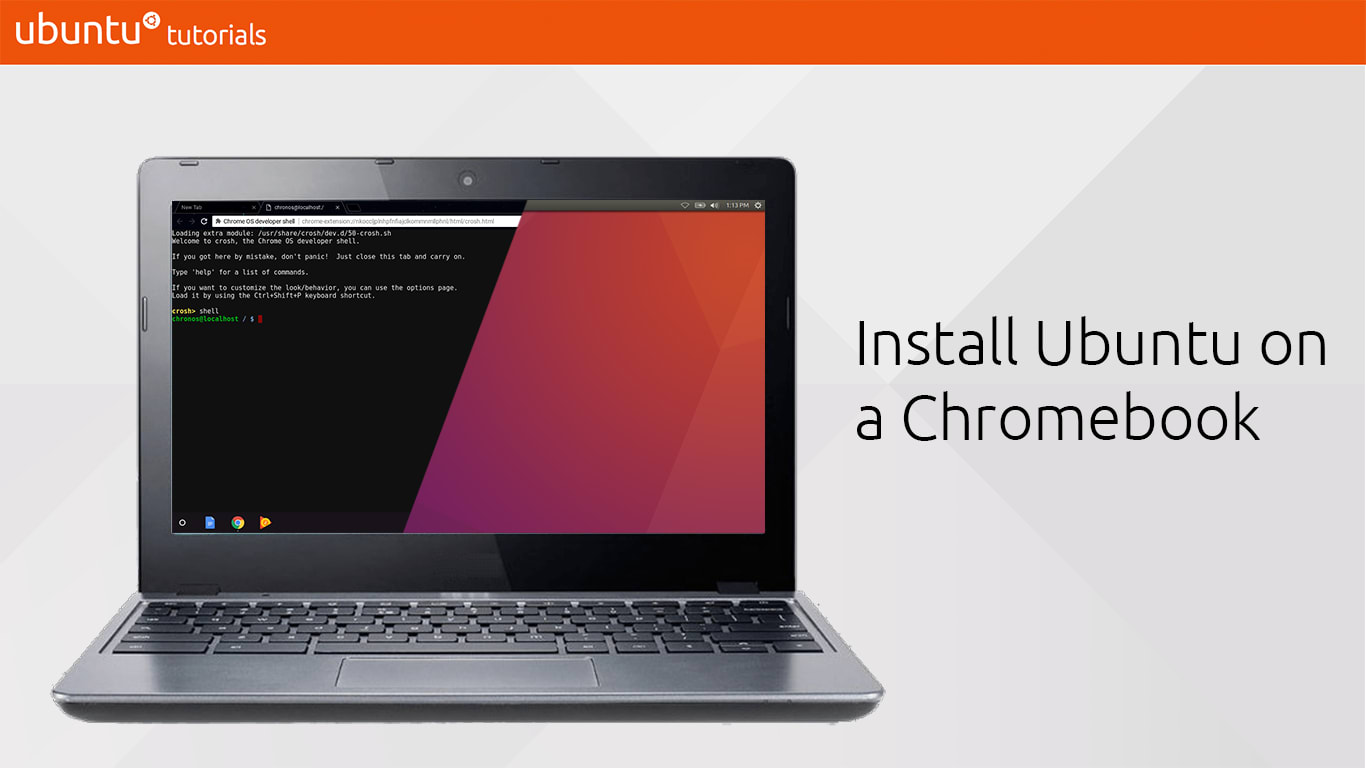
In this tutorial, you will learn how to use crouton (Chromium OS Universal Chroot Envrionment) to create Ubuntu shells on your Chromebook, launch graphical sessions and install apps from the Ubuntu archive.

What you’ll learn

  • How to put your Chromebook into developer mode
  • How to install Ubuntu in a chroot on it
  • Practical and entertaining uses for Ubuntu on Chromebooks

Take The Tutorial

Related posts


Stéphane Graber
26 February 2019

Using LXD on your Chromebook

Cloud and server Article

Introduction On supported Chromebook, starting with Chrome OS 69, a new feature called Linux Apps was introduced. This allows Chrome OS users, on supported to install normal Linux applications from the Debian repository and have them integrate with the underlying Chrome OS desktop. The feature has evolved quite a bit since its introductio ...


Igor Ljubuncic
15 April 2021

Should you ever reinstall your Linux box? If so, how?

Desktop Article

Broadly speaking, the Linux community can be divided into two camps – those who upgrade their operating systems in-vivo, whenever there is an option to do so in their distro of choice, and those who install from scratch. As it happens, the former group also tends to rarely reinstall their system when problems occur, while ...


Maciej Mazur
5 April 2021

Ubuntu for machine learning with NVIDIA RAPIDS in 10 min

AI Article

10 minutes tutorial on how to set up Ubuntu for machine learning, data science and data analytics using NVIDIA RAPIDS, NGC Containers and Anaconda. ...